Window
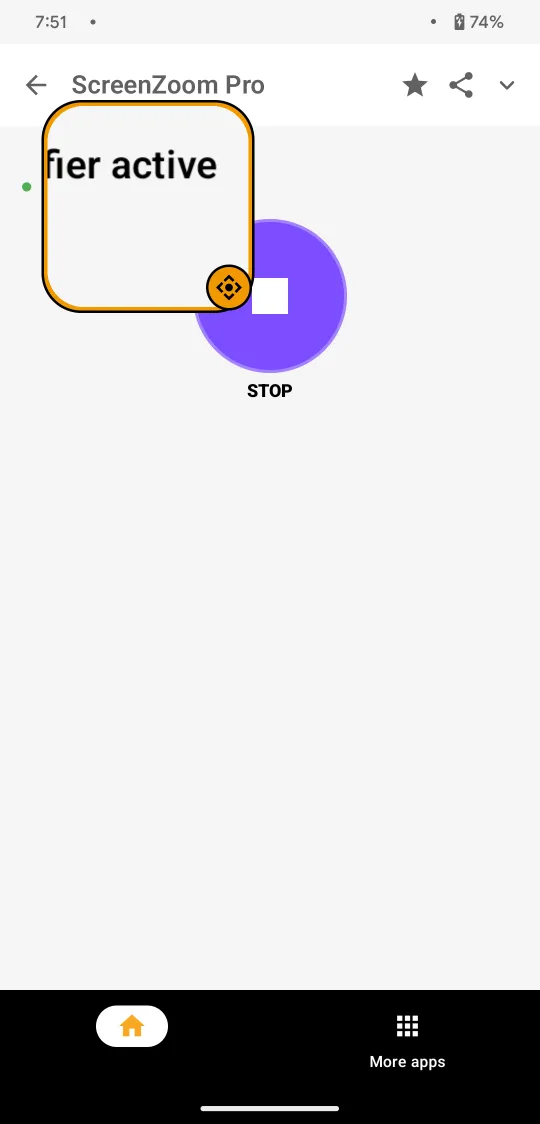
A floating window that magnifies whatever it hovers over. Small text, dense interfaces, fine details.
Android 13 and up
ScreenZoom Pro · Android
ScreenZoom Pro turns your Android phone into a powerful screen magnifier — with real-time zoom, OCR and text-to-speech.
No account · No camera · Offline OCR · Your screen stays private
Try it
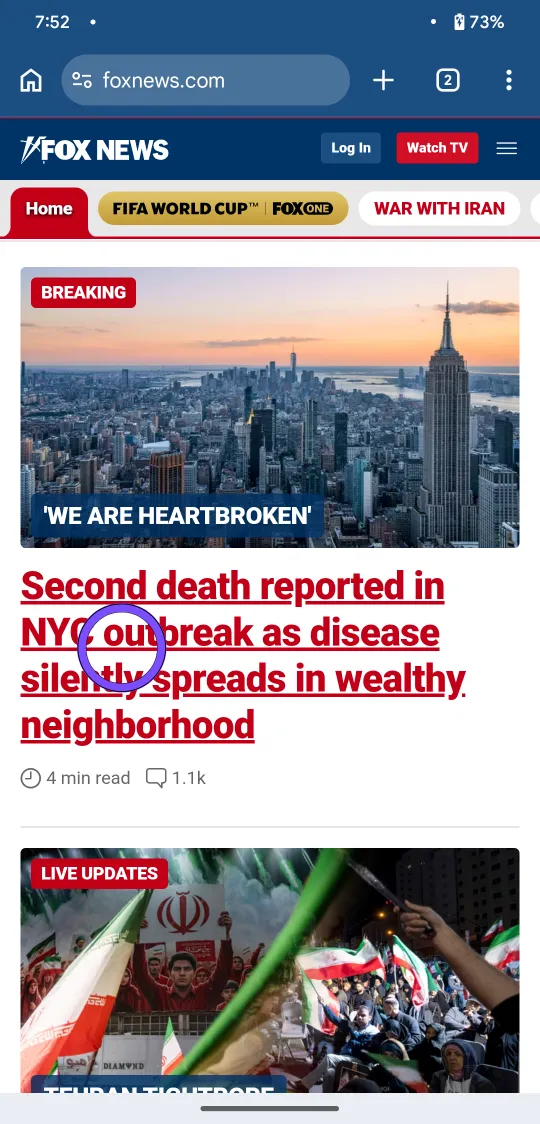
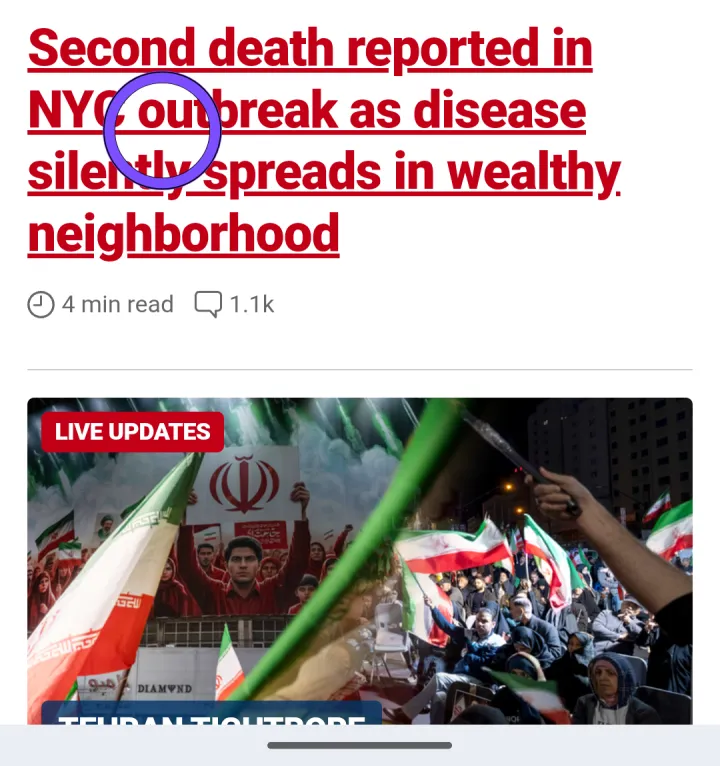
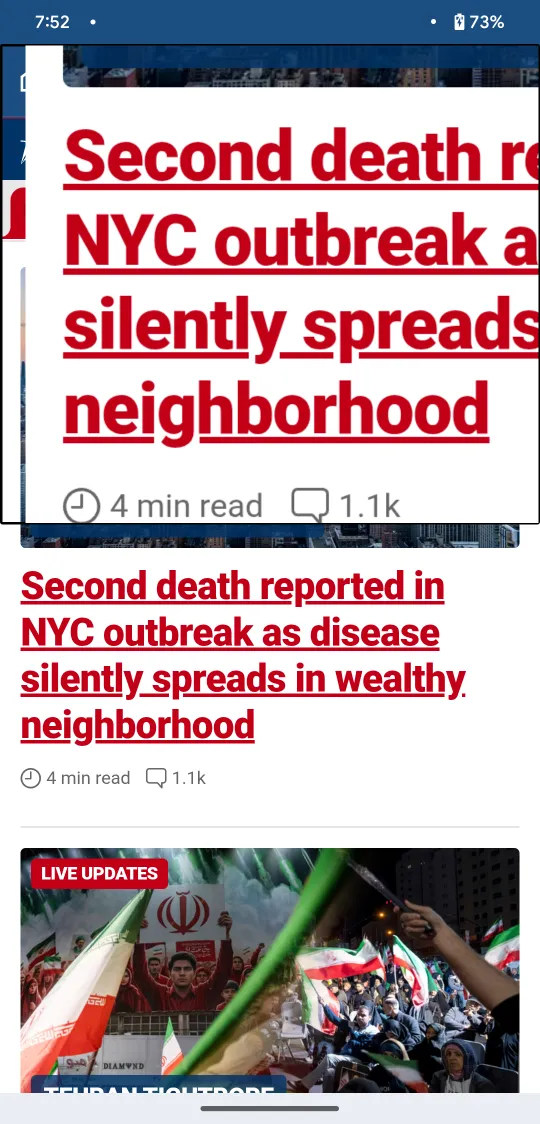
This is a real screen from the app. Move your cursor — or your finger — over it. What's under the lens gets bigger.
Features
Pick the mode that fits the moment. Switch between them whenever you like.
A floating window that magnifies whatever it hovers over. Small text, dense interfaces, fine details.
Android 13 and up
Half of your screen stays normal. The other half shows the same content, magnified. Compare as you go.
Android 10 and up
Freeze the screen and study it. Photos, documents, maps — with full zoom and pan.
Static content, examined closely
OCR + Text-to-speech
ScreenZoom Pro recognizes text on your screen and reads it aloud. Books, labels, menus, contracts, fine print — it hears what you see.
On-device OCR. No internet required.
Second death reported in NYC outbreak as disease silently spreads in wealthy neighborhood
Use cases
Wherever small text gets in the way, ScreenZoom Pro gets out of it.
Labels and fine print
Contracts and forms
Books and e-books
Restaurant menus
Maps and addresses
Articles and sites
Tickets and receipts
Labels and packages
Accessibility
ScreenZoom Pro was built for people with low vision. Reading small text shouldn't be a struggle — and it doesn't have to be.
But if you've ever squinted at a receipt across a table, you already know why it exists. Useful for anyone who needs a closer look.
Privacy
Magnification and OCR happen where your screen is: on your device. Nothing to upload, nothing to store, nothing to send.
No camera
Traditional magnifier apps make you point, focus and hold. ScreenZoom Pro works on what's already on your screen.
FAQ
ScreenZoom Pro is a screen magnifier for Android. It turns your phone into a digital magnifying glass that enlarges anything on your screen in real time — with adjustable zoom from 1.5x to 4x, on-device OCR and text-to-speech.
Install ScreenZoom Pro, enable its accessibility service in Android settings (the app walks you through it), then tap Start. The magnifier follows your finger and enlarges whatever is under it.
Yes. It magnifies the content of any app on your screen — browsers, messages, documents, photos, videos — because it works on the screen itself, not inside a single app.
No. ScreenZoom Pro magnifies the content that is already on your screen. There is no pointing, focusing or holding your phone at arm's length.
Yes. Magnification and text recognition (OCR) run entirely on your device. No internet connection is required for any feature.
Yes. It recognizes text on screen using on-device OCR (ML Kit by Google) and reads it aloud with text-to-speech — useful for books, labels, menus, documents and fine print.
No. All screen processing happens locally in temporary memory on your device and is discarded immediately. No screen content is uploaded, stored or shared.
Window magnifies a floating zone of the screen (Android 13 and up). Split Magnifier keeps half of the screen normal while the other half shows the same content magnified (Android 10 and up). Full Screen freezes the screen so you can inspect it with full zoom and pan.
Yes. It was designed with people with low vision in mind — reading small text shouldn't be a struggle. It is also useful for anyone who needs a closer look at small content.
Split Magnifier works on devices running Android 10 or newer. Window mode uses the system magnification controller and requires Android 13 (API 33) or newer.